ACCENTS: METRONOME
A click that follows the song.
A metronome that treats the bar, not just the beat, as the music. Shape any beat, count in, record your takes against the click, and bring your whole setup back in one tap.
Free, with a one-time Pro unlock
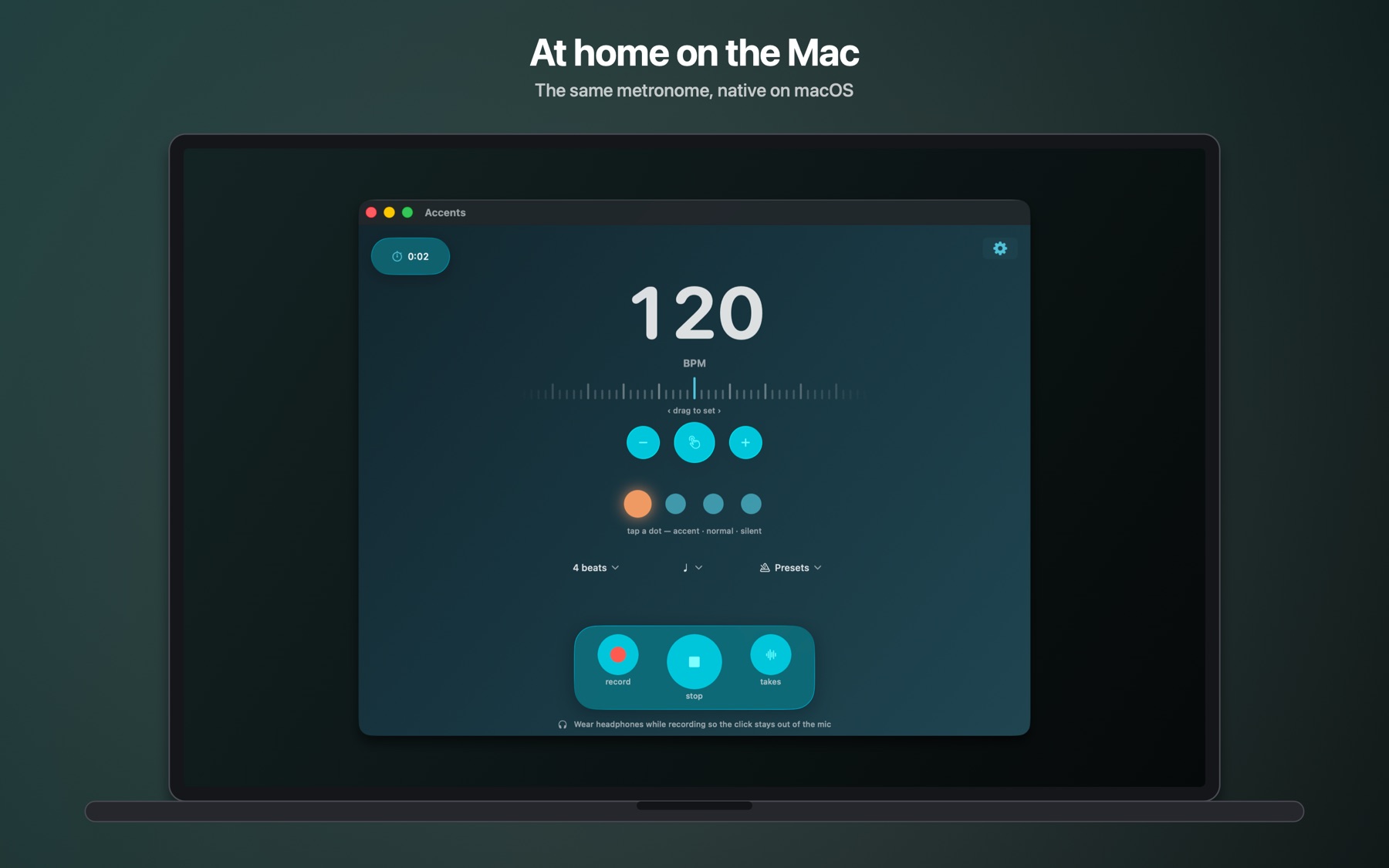
The bar is the music.
Every screenshot below is the app as it ships.
 PRO
PRO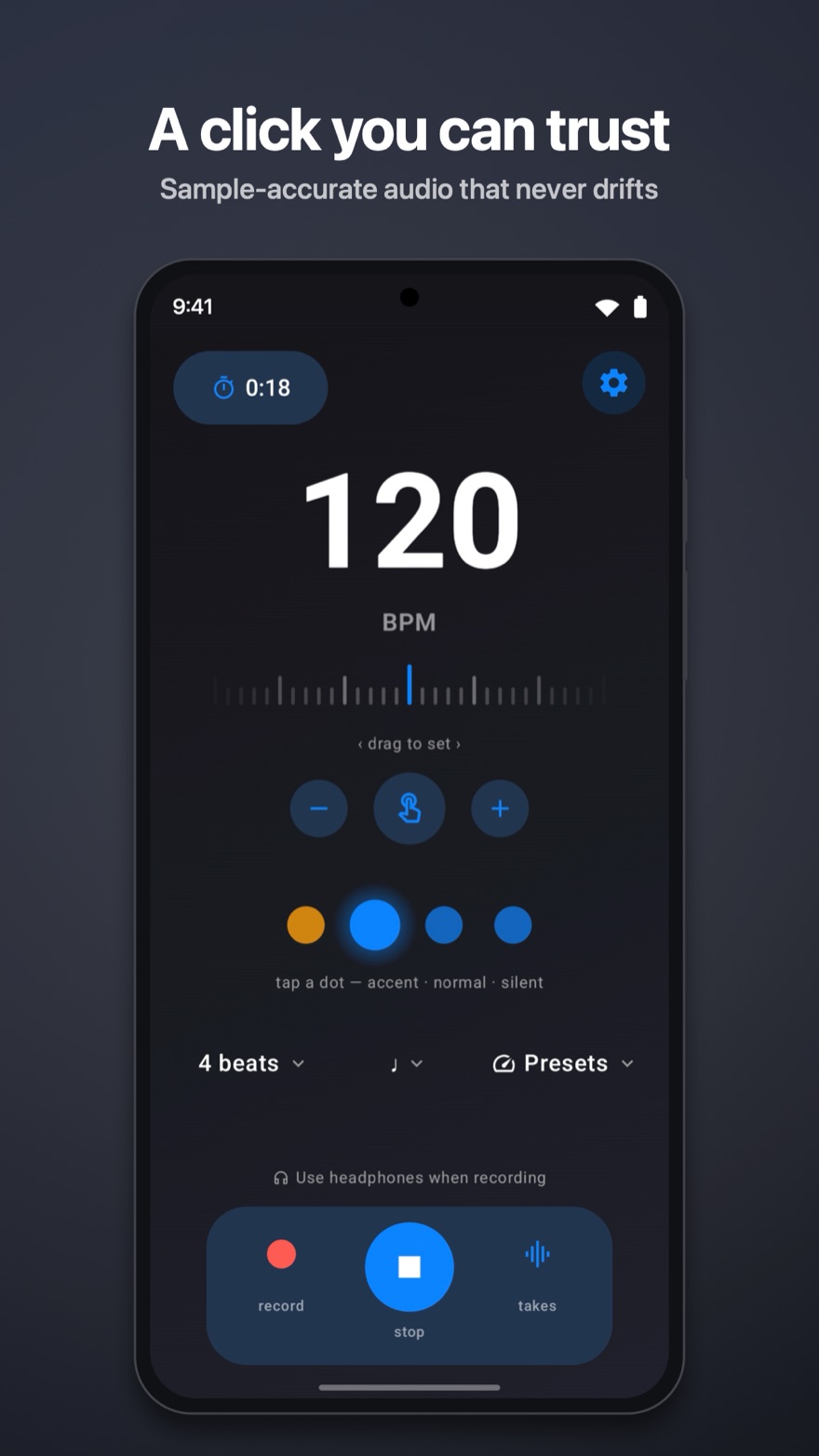
Built the way a click should be.
What makes Accents different, in plain words.
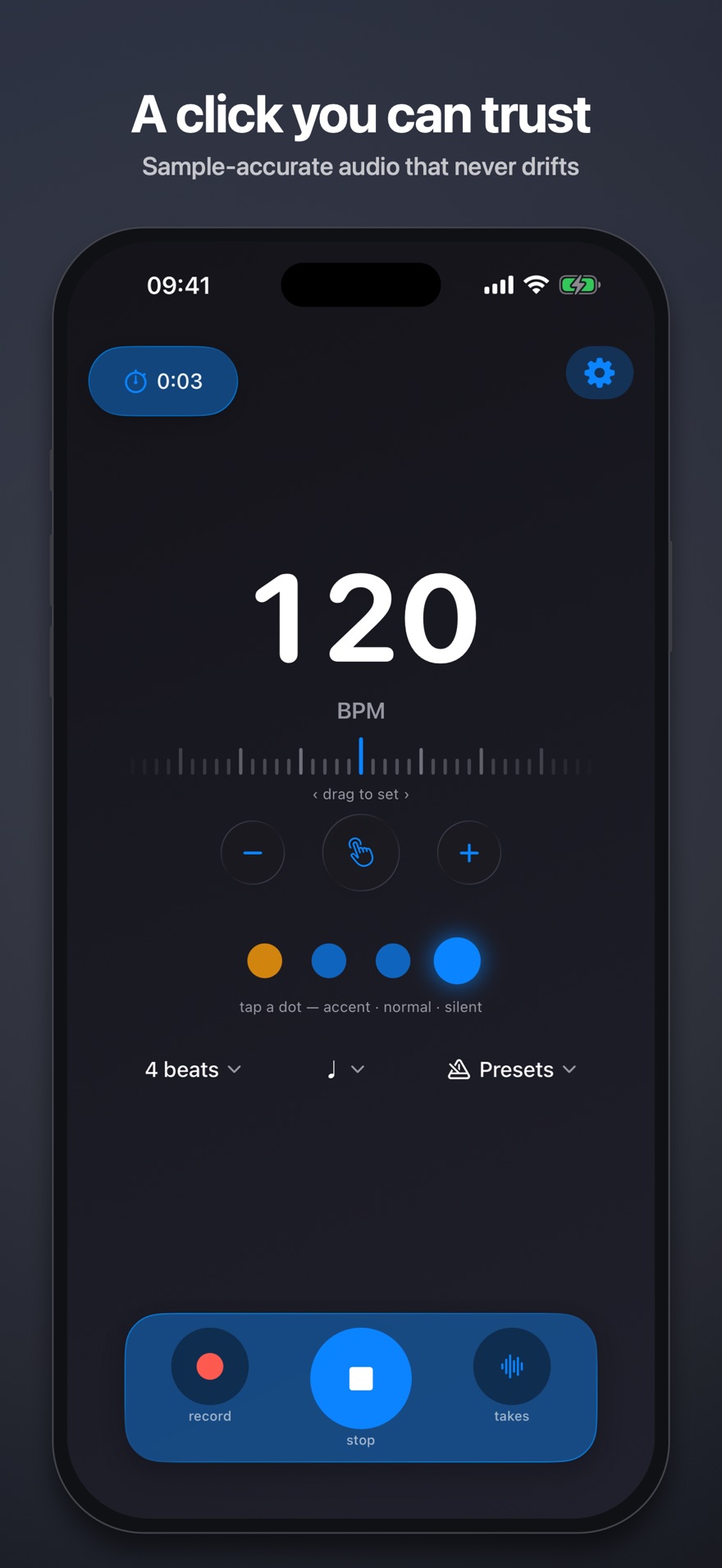
It cannot drift
There is no timer firing clicks behind the scenes. Each bar is rendered as a single audio loop and handed straight to the hardware, so the click is sample-accurate. Leave it running through a whole rehearsal and beat one still lands where it started.
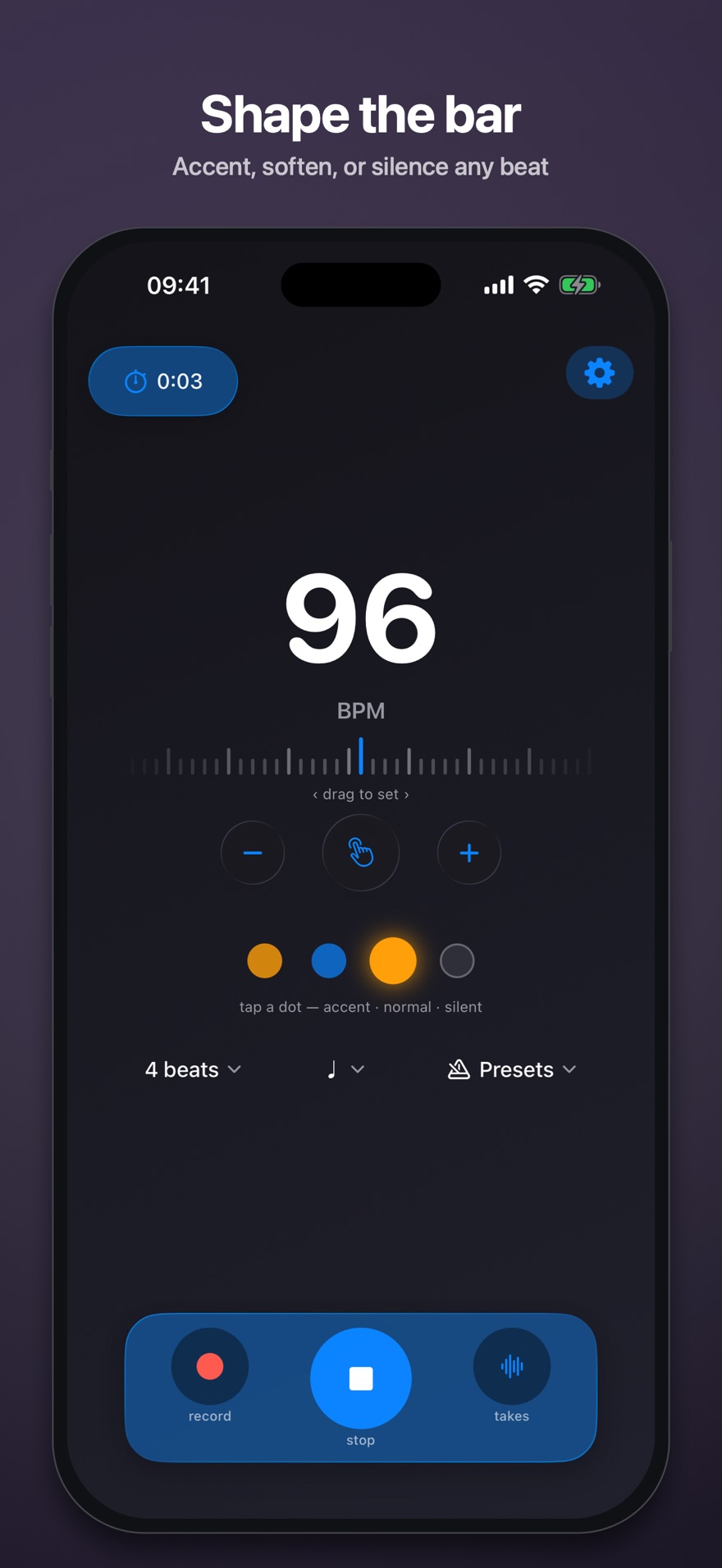
Shape the bar
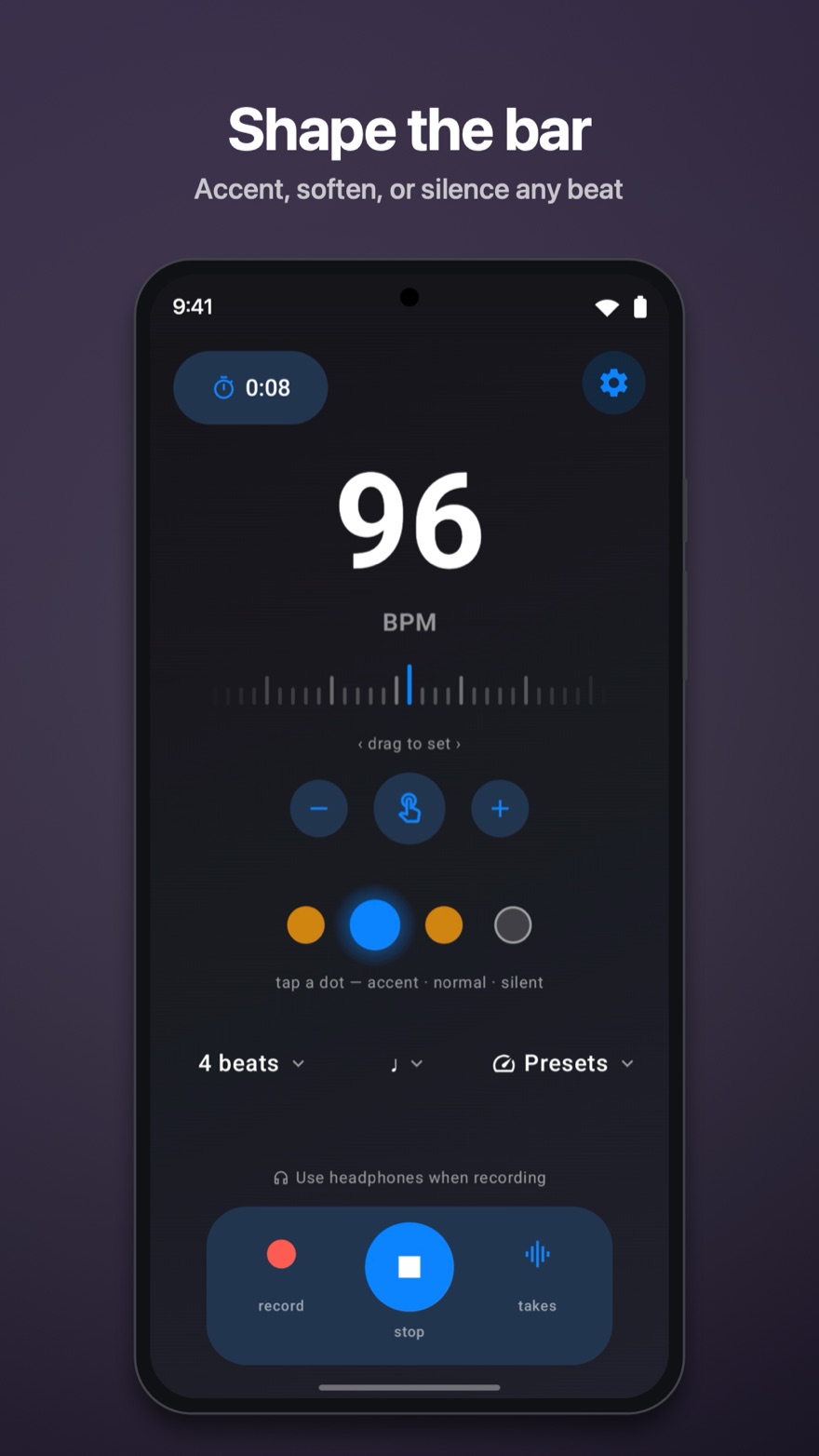
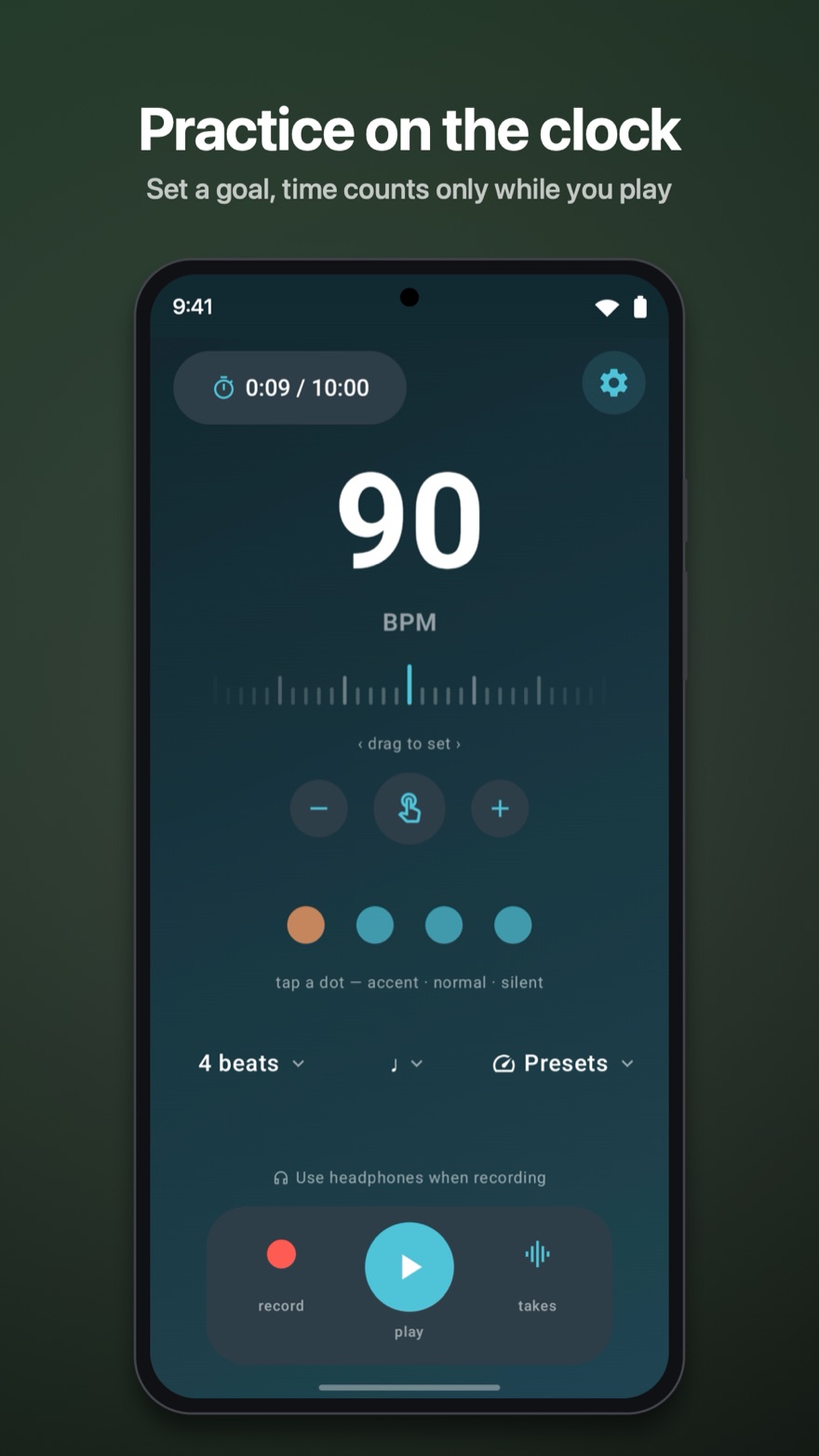
Tap any beat dot to make it accented, ordinary, or silent. Pick your meter and subdivision, and the click plays the bar you wrote, not a flat tick.
Tempo, your way
Spin the wheel, type it in, or tap it out. 30 to 500 BPM, with the Italian markings from Largo to Presto one tap away.
Spin the wheel, type it in, or tap it out. 30 to 500 BPM, with five built-in feels from Relaxed to Intense one tap away.
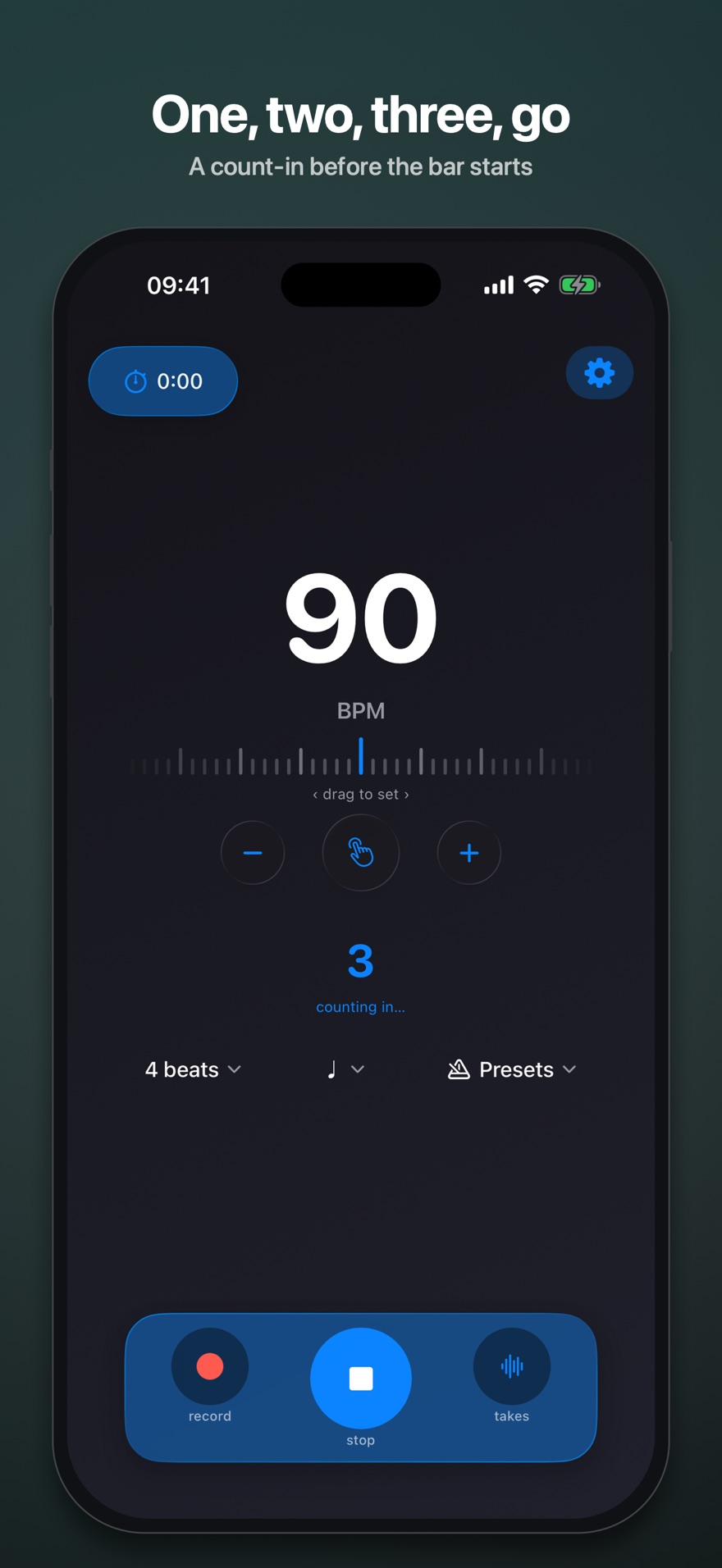
Count-in that waits for you
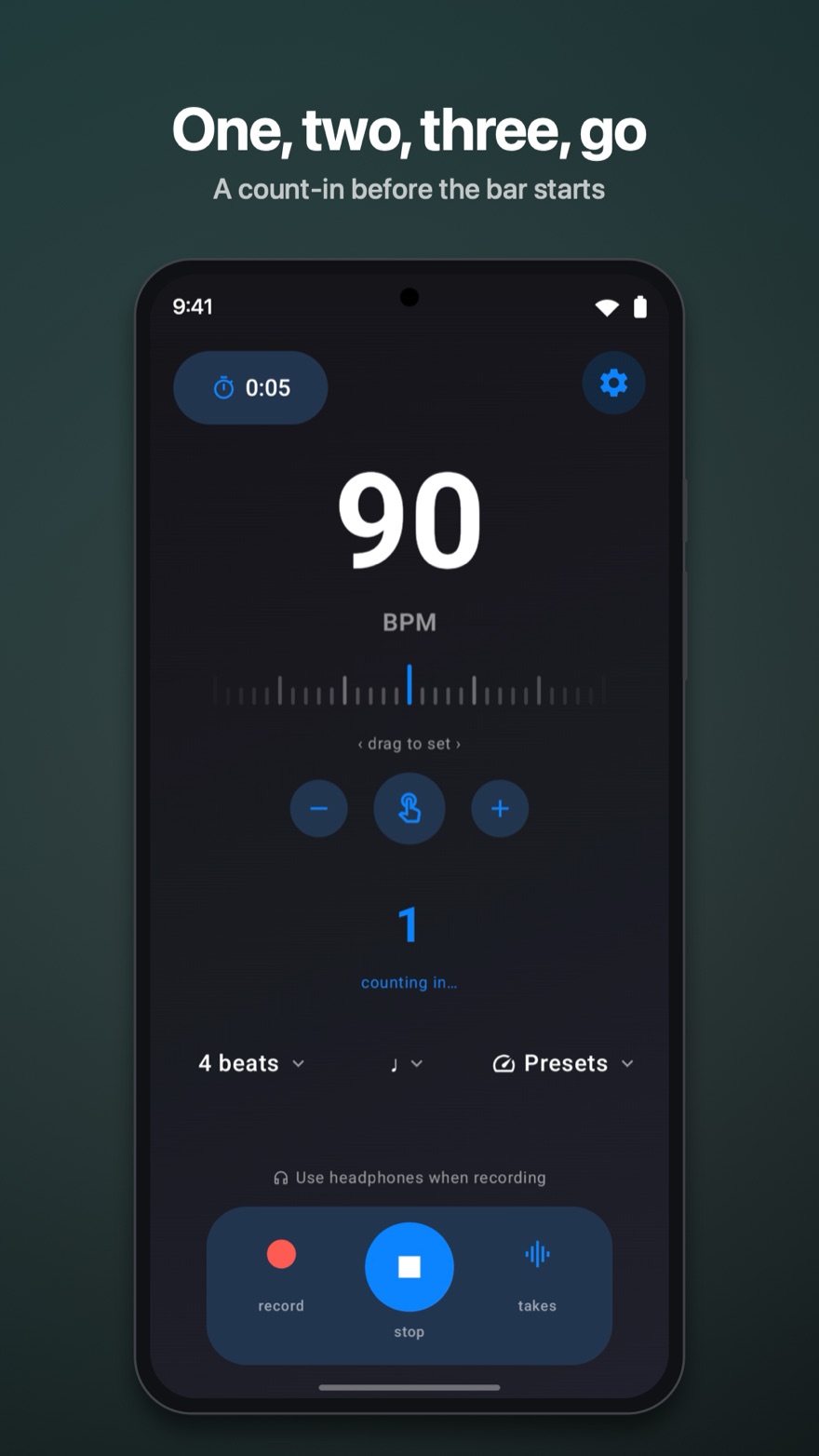
A steady “1, 2, 3, go” before the bar starts, the same four counts in any meter. The practice clock waits for the “go” too, so warm-up counts never inflate your numbers.
Record yourself, then decide
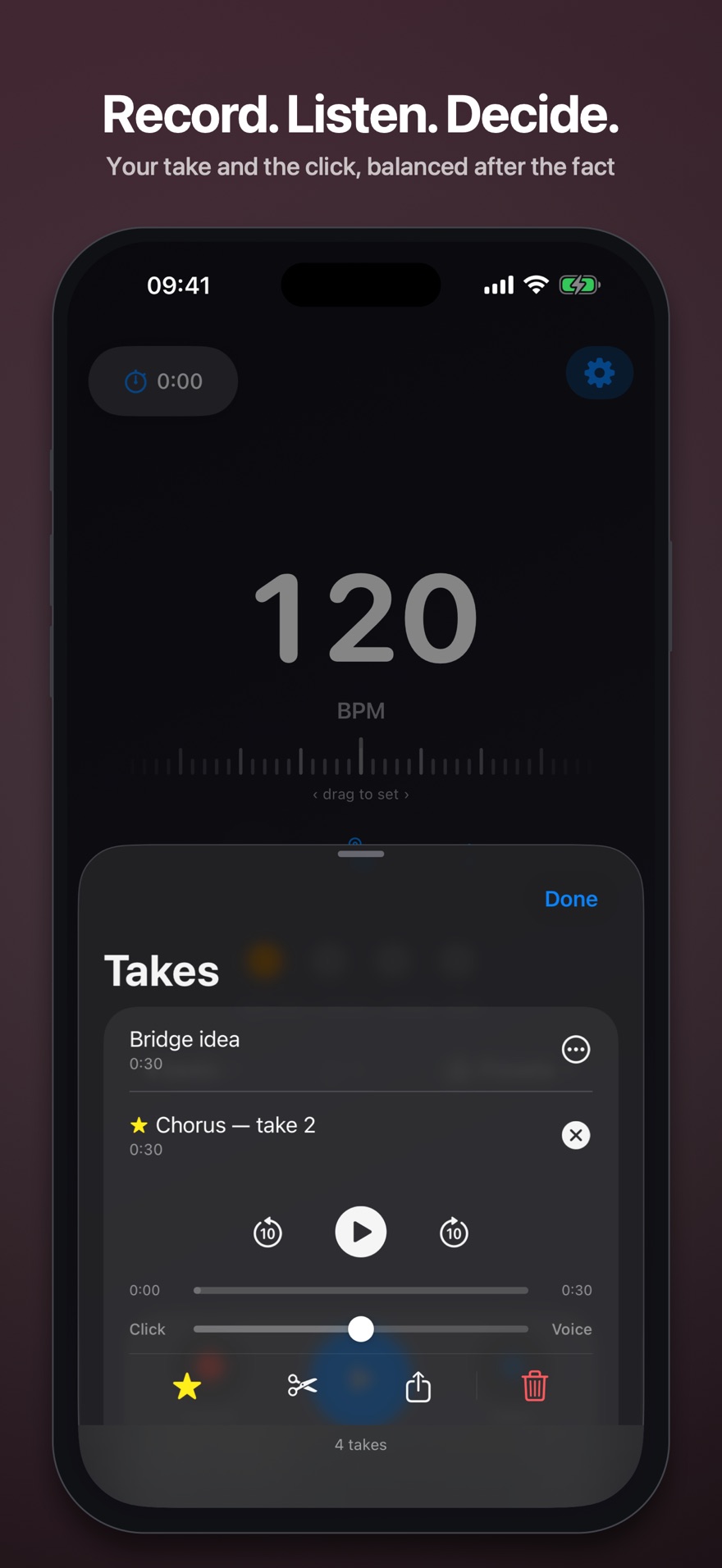
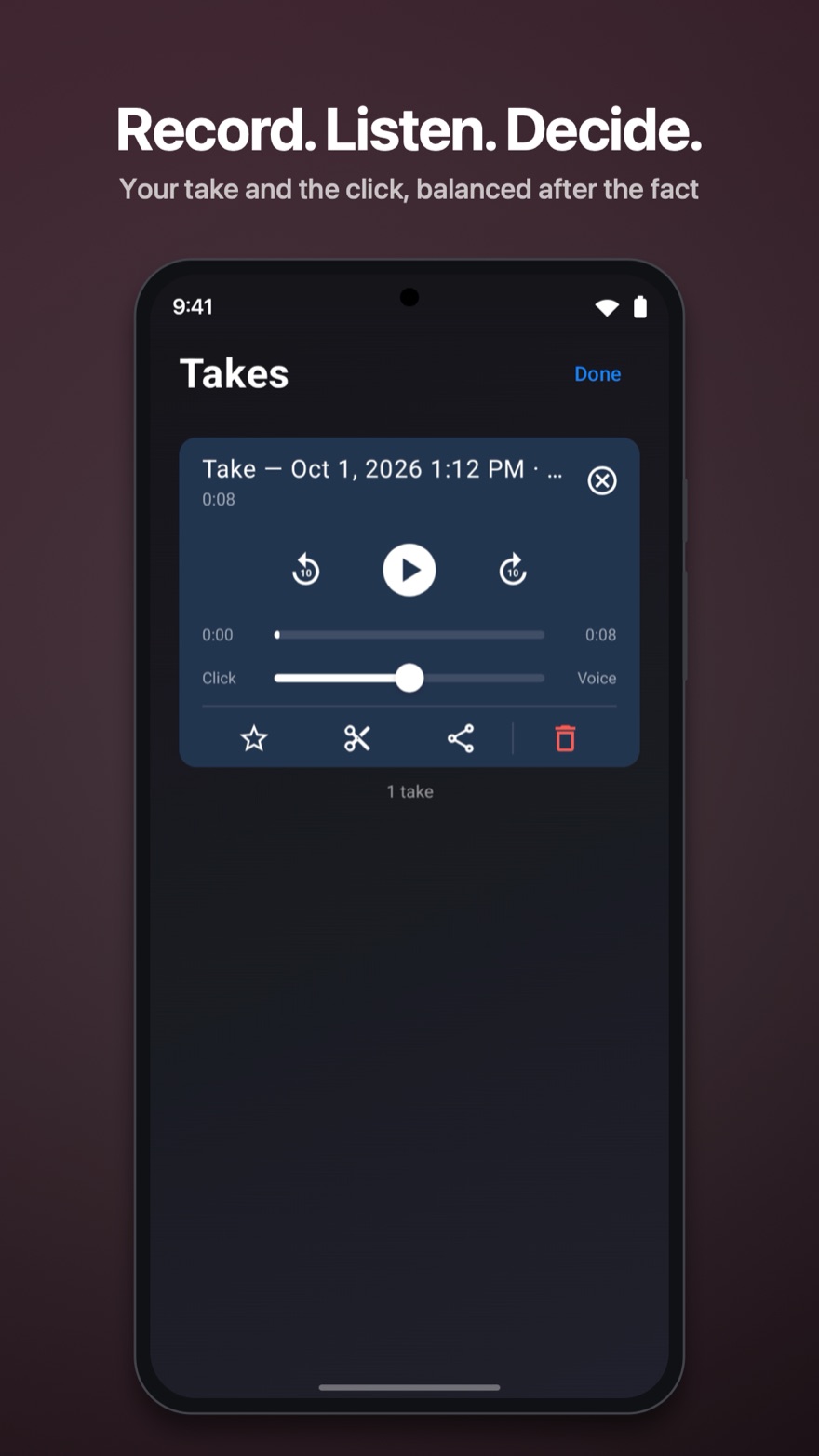
Hit record and Accents captures two tracks at once: your playing and the click. Slide the balance afterwards: click loud to check your time, click gone to hear the take on its own. Nothing is mixed down on disk. Name your takes, star the keepers, trim the ends, share them.
Presets that remember everything
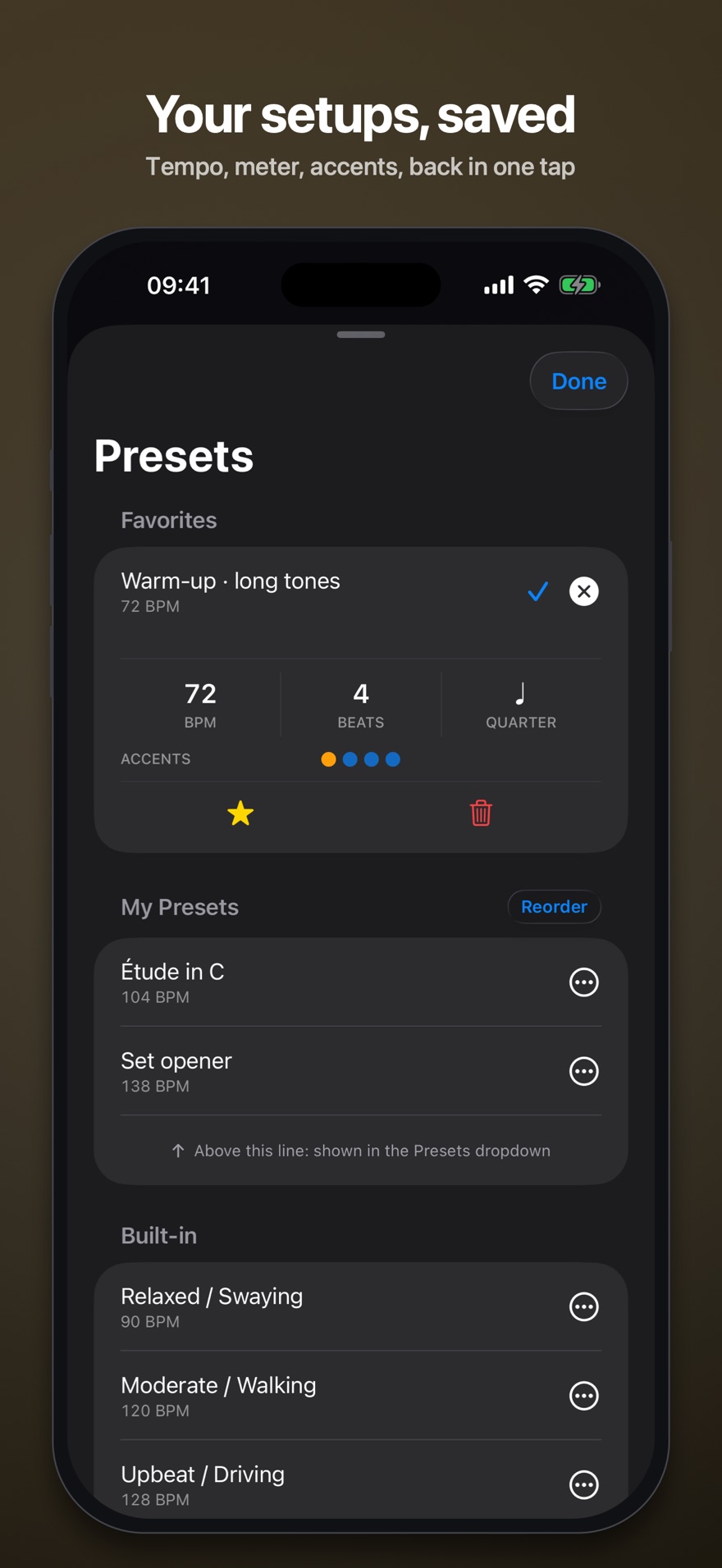
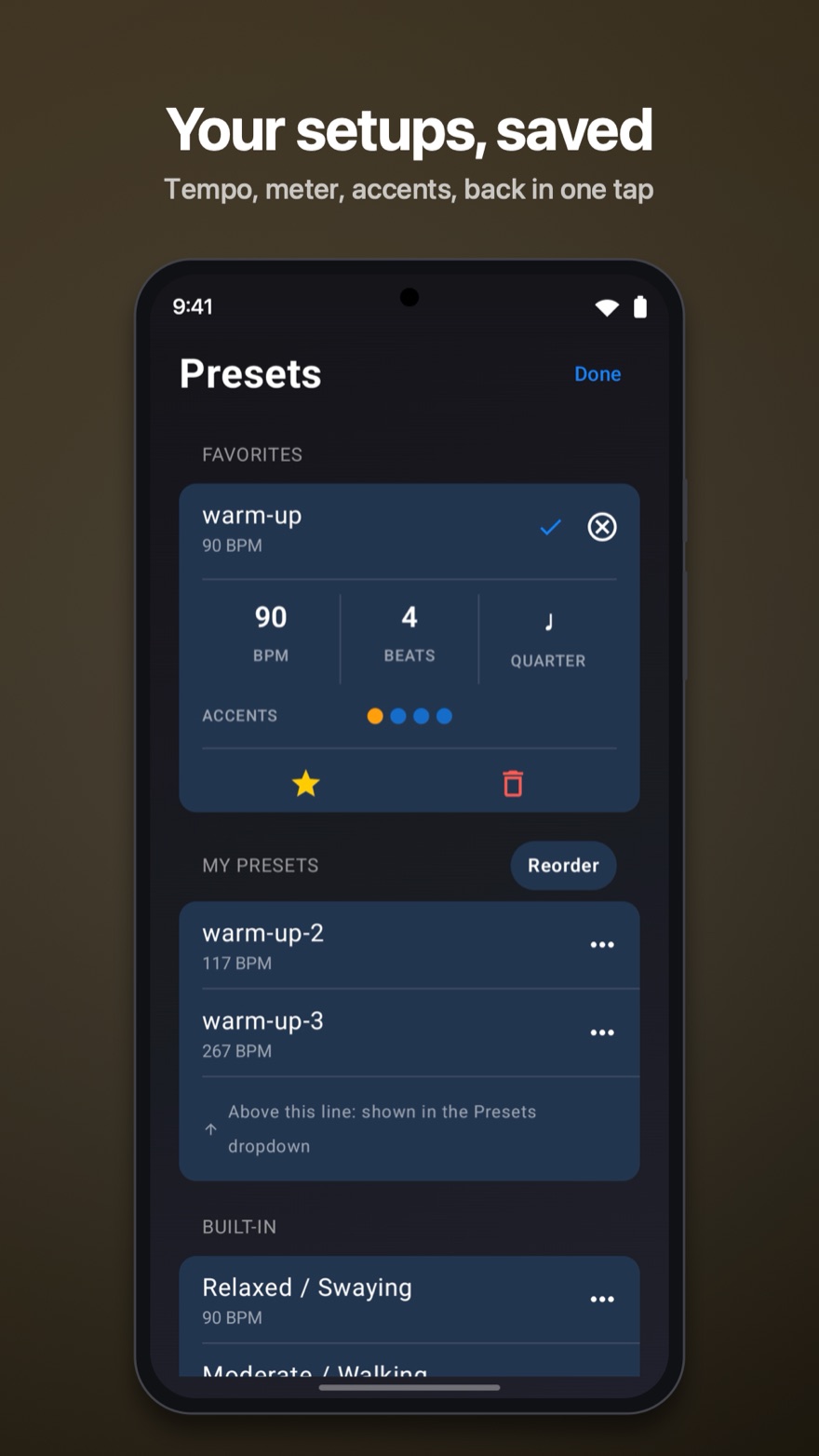
A preset saves the whole setup: tempo, meter, subdivision and your accent pattern. Star favorites, reorder the list, and keep the daily ones in the quick dropdown.
Practice on the clock
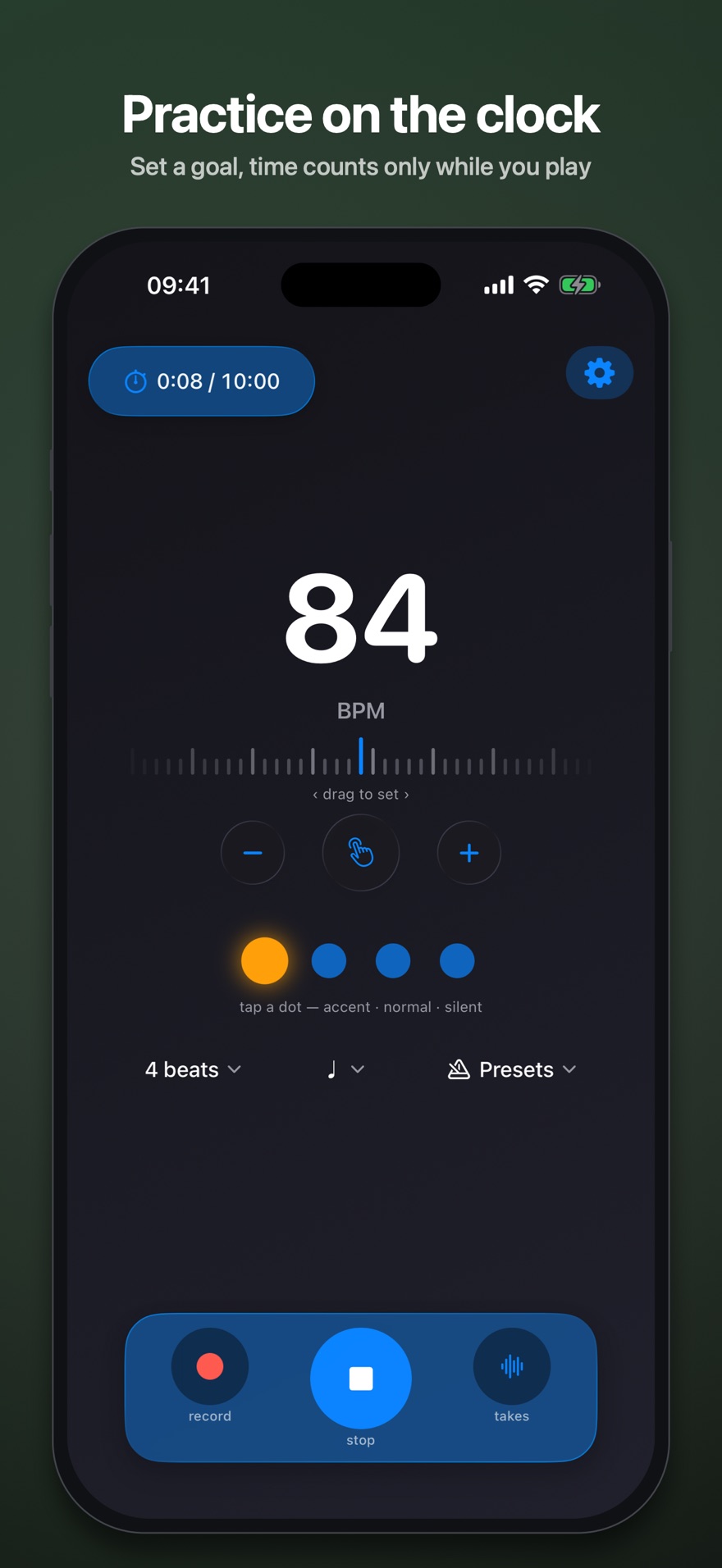
Set a goal and the timer counts only while the metronome is actually running. When you reach it, the click stops and lets you off the hook.
At home on iPhone and Mac
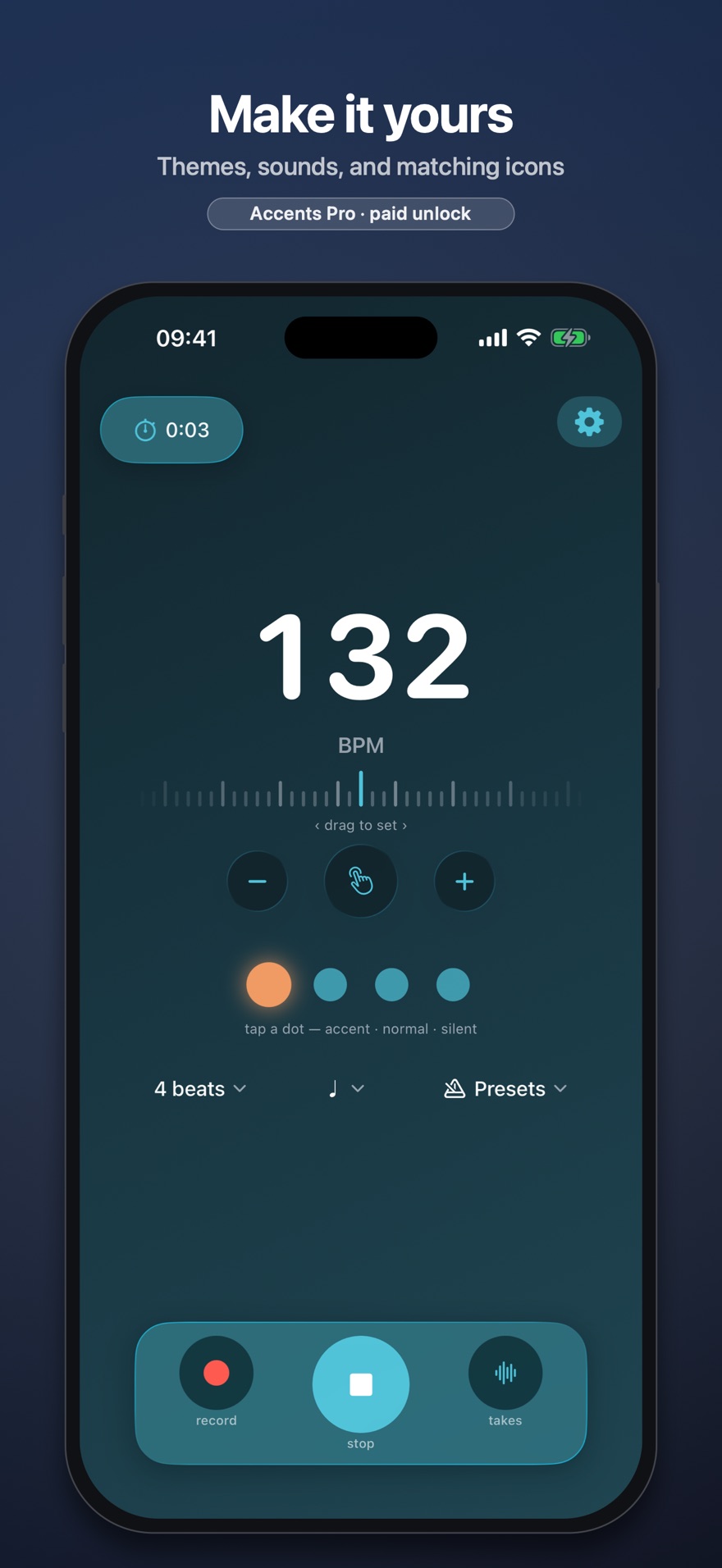
The same app, native on both. Color themes, a Liquid Glass look you can dial up or down, and a set of matching app icons.
Made for Android
Native, with Material 3 surfaces that follow five color themes and a matching set of launcher icons. Works with TalkBack, and a hardware keyboard's Space bar taps the tempo.
Free and Pro.
The metronome itself is free, full stop. One purchase, no subscription.
ACCENTS
Free
Supported by one small banner
- Every tempo, meter and subdivision
- Accent patterns on any beat
- Count-in
- Two-track take recording
- Practice timer
- Presets
ACCENTS PRO
Pro
One-time purchase, no subscription
- Removes the banner
- Background and lock-screen playback, with a proper Now Playing card
- Background playback, with media controls on the lock screen and in the notification shade
- Every click sound
- Every theme and app icon
- Effectively unlimited presets
Unlock and Restore Purchases both live in Settings → Metronome Pro.
Coming to the App Store.
Coming to Google Play.
Accents is on its way to the App Store. Want an early look, or have a question? Write to us.
Accents is on its way to Google Play. Want an early look, or have a question? Write to us.
suport@fratic.io